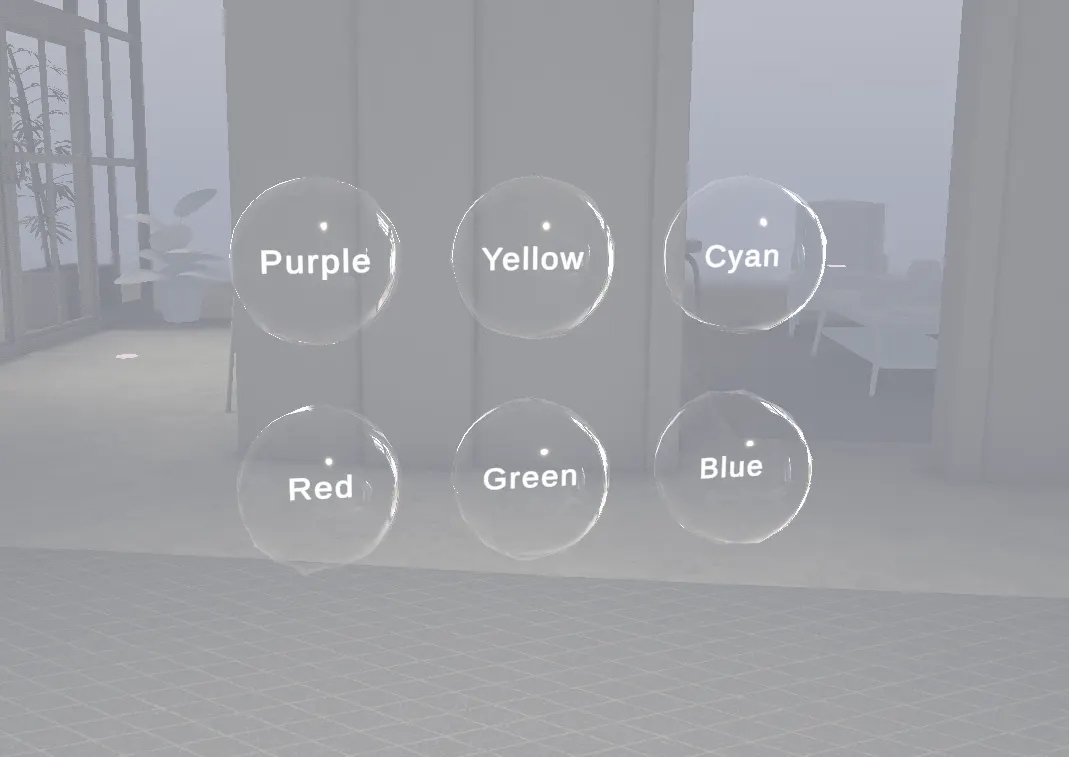
Bubble-UI: A Spatial UI System Using a Soap Bubble Metaphor
Research on soap bubbles as a UI metaphor. A UI system that makes use of what the digital world allows beyond physics, while keeping operations easy for users to predict.
- Interaction 2024 — Interactive Presentation Award (audience vote)
- Date
- 2024.02.11
- Team
- Solo
- Tools
- Unity, VFX Graph, VRHMD
- Tags
interaction-ipsj.orghttps://www.interaction-ipsj.org/proceedings/2024/data/pdf/1B-35.pdf
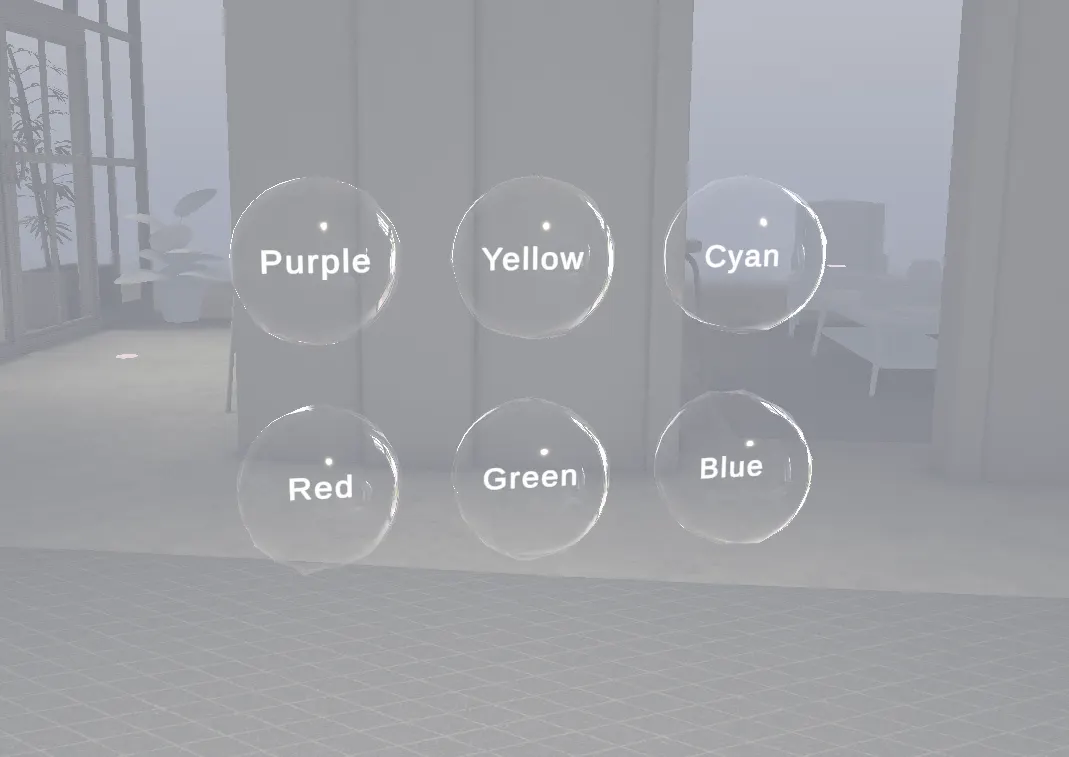
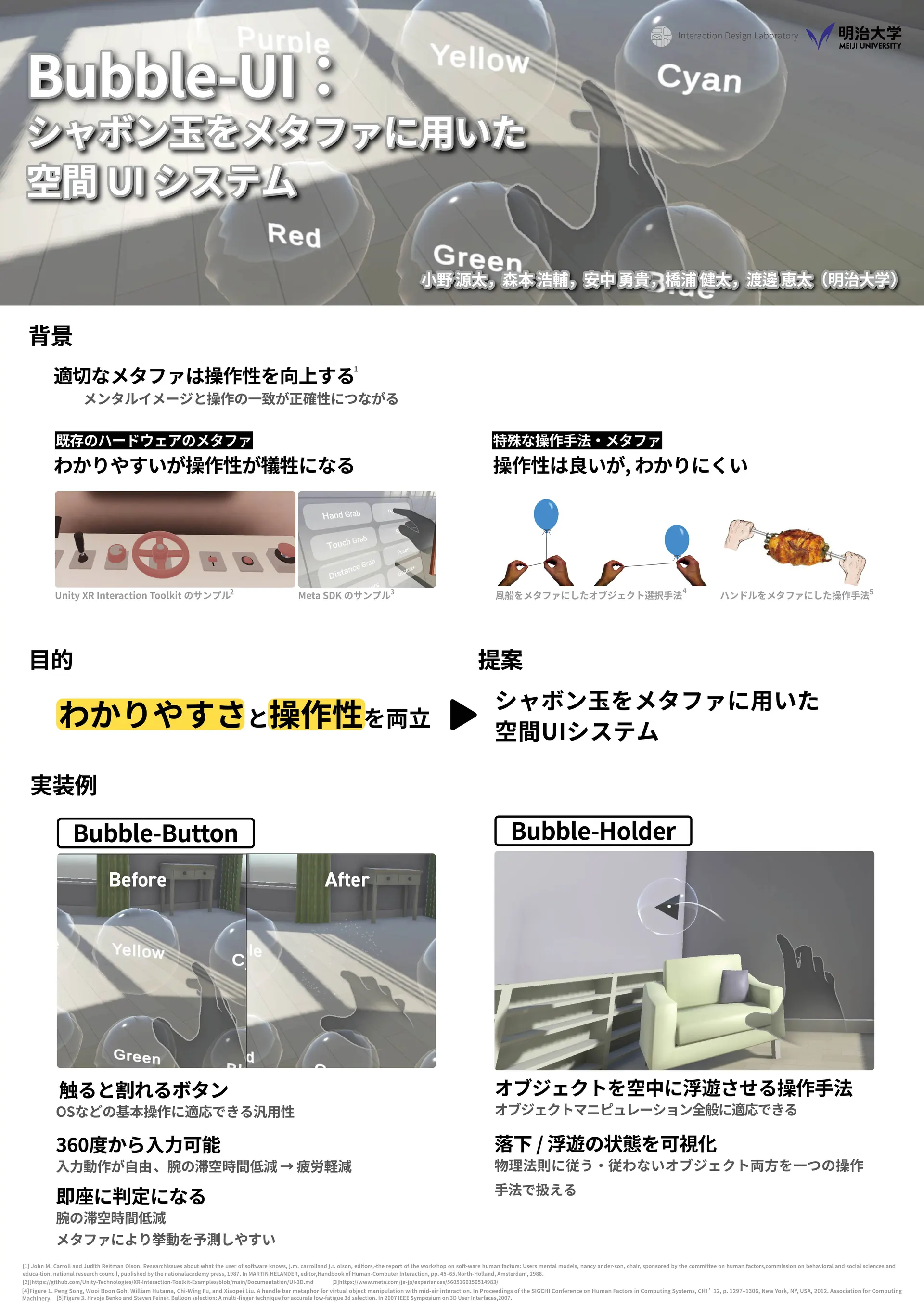
Existing XR user interfaces widely borrow from existing hardware interfaces or from metaphors of physical phenomena.
Using existing interfaces or physical metaphors has the advantage that users can predict how the interface behaves, which makes it easier to use.
But using the physical world as a metaphor has a drawback: bound by how physical things behave, the interface can't make full use of what a digital space allows.
The first example is the widespread "poke" button interface. To use it, the user has to move a finger perpendicular to the button face and push it in.
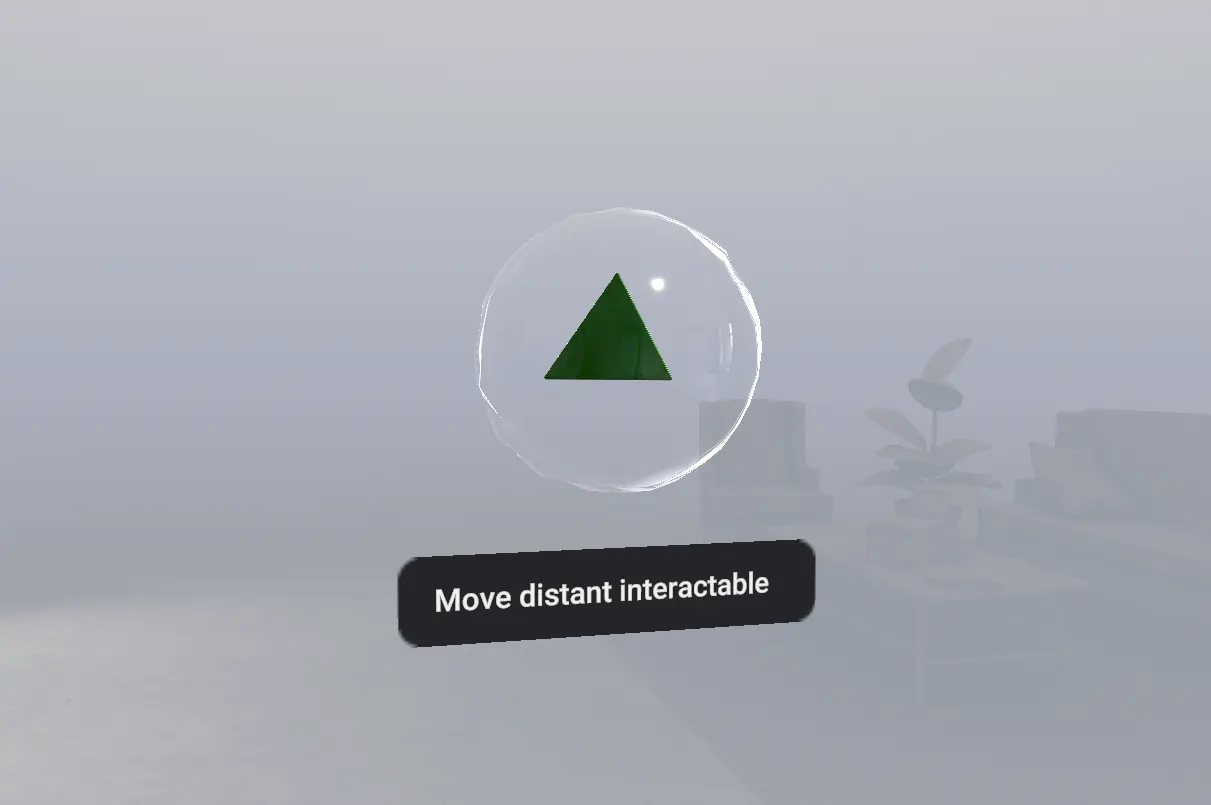
The second, also widespread, is moving objects with a beam. If the object looks as though it has mass, its weight seems to vanish the moment the beam lifts it, which feels wrong. One fix makes the beam sag to suggest mass — but that adds an effect between the user and the object, so usability suffers compared with direct manipulation.
To solve these problems, this research proposes "Bubble-UI", a new interaction technique that uses soap bubbles as the interface metaphor.
Easy to use, and easy to understand
By borrowing the image people already have of soap bubbles, it aims to be easy to understand while offering interactions only digital space allows. In the loop of acting on the UI and getting feedback, the design aims to make it easy to build a mental model of "what happens when I do this".
Bubble Button — a button that reacts the moment you touch it
In XR, the time your arm spends in the air leads to fatigue. A mechanical-button metaphor needs a preparatory push-in and release. A button that reacts on touch takes minimal movement, reducing fatigue — and the bubble look makes this unusual "react on touch" behaviour easy to grasp.
Bubble Holder — float objects to move them
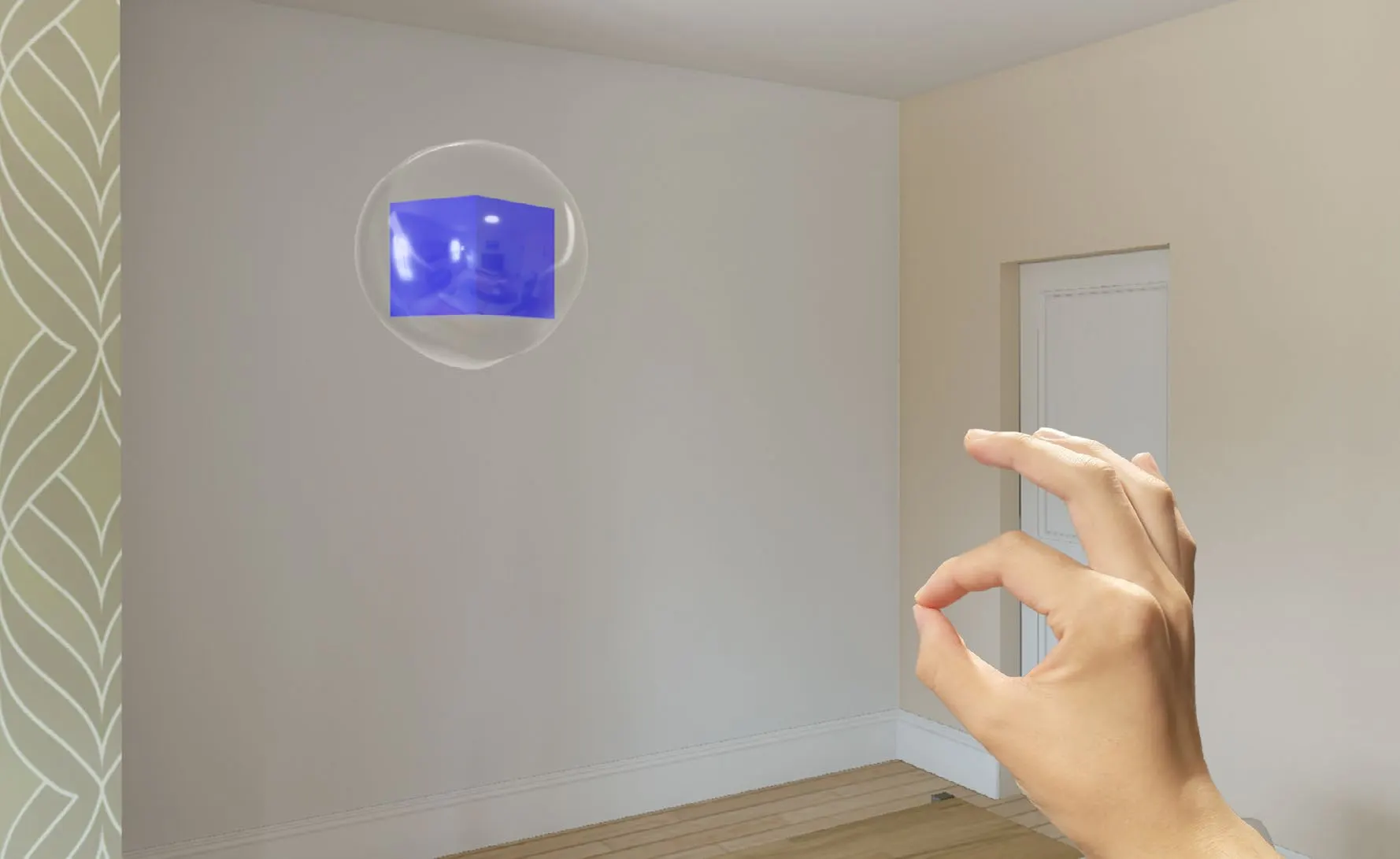
Switching objects in and out of a bubble turns "float it and move it" — something only digital space allows — into a practical UI. The bubble makes the state visible, so an interaction that uses digital space's strengths stays easy to understand.
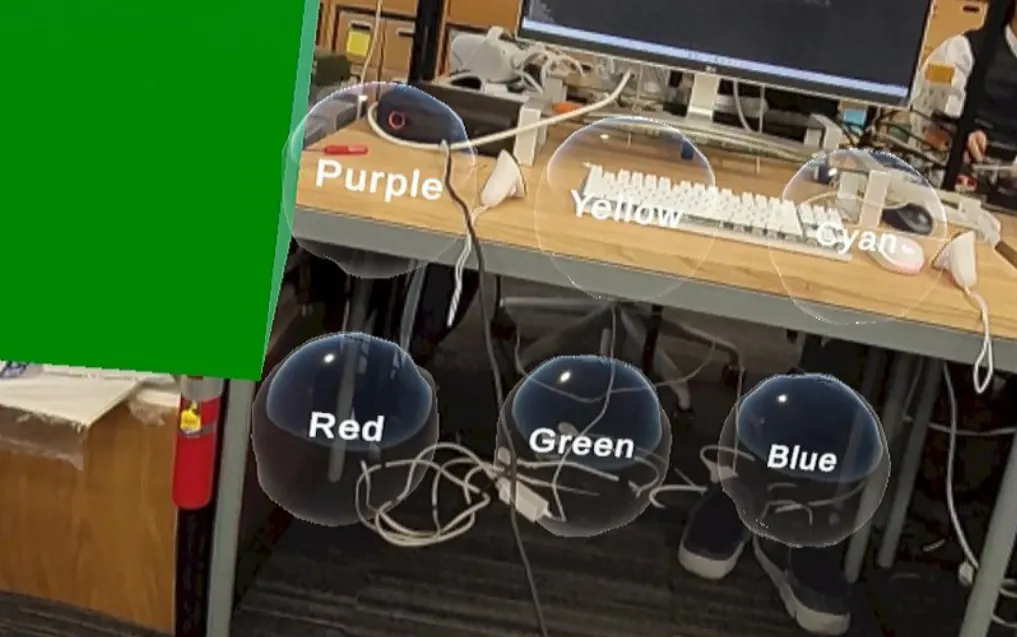
Bubble Loading — a loading indicator
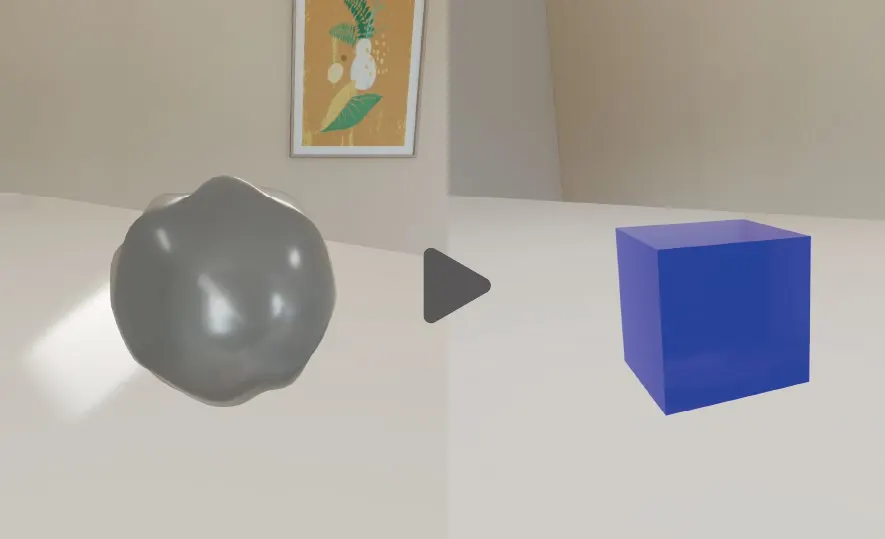
Today's XR devices show a 2D progress bar or similar while an object loads. Here a bubble appears during loading, and when it finishes the bubble pops and the object comes out. The object's size and placement are clear in advance, and the seamless transition makes for a less confusing experience.